 +971 50 5473745


Tips and Best Practices for Designing User-Friendly Websites in 2025
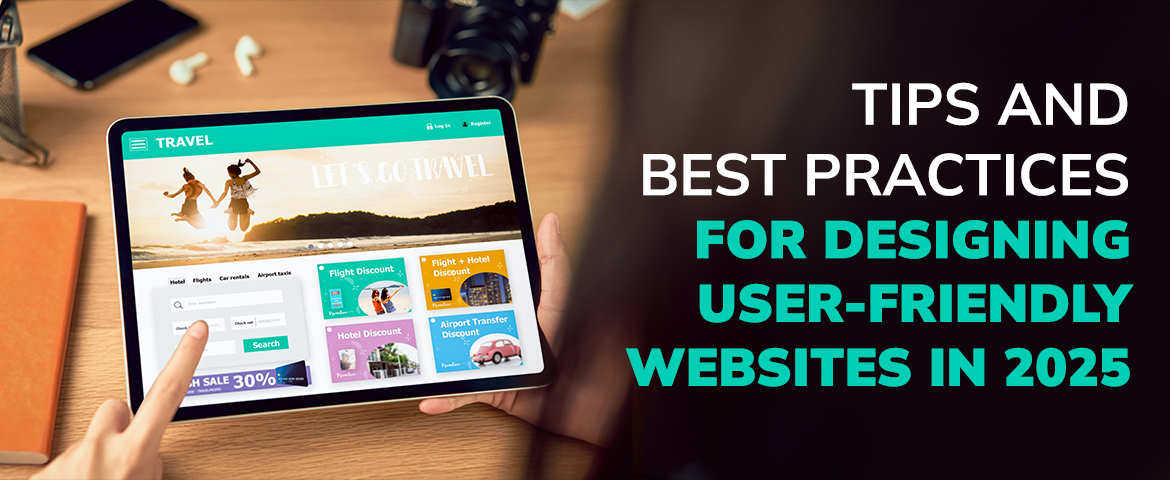
10 Tips for Building Engaging and User-Friendly Websites
Designing for Delight
1. Understand Your Audience
Every project begins with ensuring exactly who it is being designed for, and what will be used for. Their expectations are very influential. The profile of the consumer sets the stage for the design direction.
Know Your Users : Gather Relevant People Details — Interview your audience and surveys, and analyse the data collected: A better understanding of your users, their age, interests and need.
Develop user personas — Develop descriptive profiles of your ideal prospects so that focused decisions can be made in the design process.
2. Do User Experience (UX) First
All the interactions the end user has with your site is the basic user experience. Positive UX design retains them while they visit the site and motivates them to return next time as well.
Be Consistent : Everything related to colors, fonts, buttons etc we try to keep similar and uniform throughout the site. This is what offers users comfort and familiarity.
Use Enough White Space : This provides users with enough room and space to understand important values on your app and website. Whitespace makes your materials more legible, and so does the message your content sends.
3. Optimize Navigation!!
Focus on User Goals : The language used on the navigation menus descriptions, and labels should be straightforward. Do not utilize complex terms and phrases that risk the potential to confuse the user.
Restrict Menu Entries if Possible : Try to keep the number of items under the primary menu to not more than five to seven which reduces the mental burden and allows users to make decisions with ease.
Integrate Search Capabilities : A search bar enables users to locate particular types of content with ease, more so on bigger websites that provide a lot of content.
4. Prioritize Readability
Font Selection : Opt for easily readable fonts for the screen. Digital content is awash in sans-serif fonts for a reason. Make sure also to set the font size to a comfortable level.
Include Headings and Subheadings : Add headings and subheadings to improve the scannability of content. Users will be able to quickly find the sections they are interested in.
Restrict Length of Lines : Set your line length to 50-75 characters to enhance readability. Longer lines can be hard to follow for users.
5. Incorporate Visual Elements
Use high quality images : Invest in high resolution, relevant, and unique images. Don’t buy stock images that are clichéd.
Incorporate infographics : Infographics can break down more complicated information and make them easier to understand. They are also more shareable than other types of media which positively impacts website SEO.
Implement videos : Video content is the fastest growing type of content. Use videos to illustrate products, for testimonials, or tutorials and make sure they load quickly.
6. Enhancing Functionality On Mobile
Responsive Design : The performance with mobile device browsing is a responsive layout on every device and it is based on the orientation and screen size of the mobile device.
Managing Loading Times : Endless loading screens while browsing on a mobile phone seem to be universally despised, henceforth users need to be provided with optimized images, browser caching, and minimum Java code.
Enhancing Finger Accessibility : Touch features such as buttons and links should have a wider span so they can be easily pressed on touch devices. As such, there needs to be adequate space between them in order to prevent misclicks.
7. Use Best Practices Accessible Techniques
Add Alternative Text to Photos : Describe all images to help users with assistive technologies for better understanding during screen reading.
Maintain Good Color Contrast : Use different colors for putting the texts and backgrounds to improve legibility for those with visual challenges.
Keyboard Accessibility : Ensure that all user-controllable parts of the site can be navigated through a keyboard exclusively, meaning that users with limited motion are able access your information.
8. Testing and Creating Improvements
Conduct Usability Testing : Ask real people to identify the problem areas and touches that need to be improved. Also try out heat maps and session recordings as a way to keep track of the users.
A/B Testing : Try changing certain elements such as the button colors or layout and observe the change in performance of the design.
Monitor Analytics : Web analytic tools can keep track of how users will navigate the website, how many will leave without interacting, and how many will convert. Make sure to check the information regularly to help improve the design.
9. Make the Site SEO Friendly
Use Descriptive URLS : Make URLs self-descriptive and make them meaningful to the page content. This improves usability and is good for search engines.
Optimizing Meta Tags : Develop meta titles and descriptions that are persuasive and accurately reflect the content to increase chances of clicks.
Incorporate Keywords Naturally : Use relevant keywords throughout your content, but do not go overboard. It is better to concentrate on informing the users.
10. Provide Clear Calls to Action (CTAs)
Be Clear and Direct : Write straightforward messages like “Download Now” or “Get Started” – getting straight to the point of what you want readers to do.
Make CTAs Stand Out : Use colors that differ from the rest of the content and put CTAs in hidden places but they should be seen first. Forget to put them in summary sections or wherever they stand out.
Test Different CTAs : Try new wording and colors for case-sensitive text, and put these messages in different spots to see if the new places make a good first impression on the audience.
Conclusion
- Focus On User Empowerment : Remembering this core principle of user ability is very important in our modern technology. Through optimal understanding of your users, motivation can be created simply by crafting an experience that is seamless while still meeting their needs. It is important to note that everything placed on your website must be useful in helping your users transition from their first click to their last action on the site and achieve triumph.
- Plan for the Future : While technology seems to experience one revolution after the other, the expectations of users are not left behind either. To be innovative, keep track of the new developments in design tools and progress in design strategies on a regular basis. Regularly audit your design direction and be open to pivoting. Those who are willing to iteration and improvement will be ahead of the curve in relevancy and modernity in the web world.
- Trust and Loyalty : The design of a site goes beyond pleasing the eyes – it is also about having a user friendly website. In such instances, users are likely to develop loyalty to the brand. If the user is able to find the required information within a short time, and moves around the website with ease, they tend to be more satisfied. Such satisfaction makes casual visitors convert into loyal customers, resulting in improvement in conversions and success in the longrun
- Optimize Measure : Your website may now be operational, but your work is not yet done. Employ analytics to observe user activity and extract any useful information. You can revise your design over and over as long as you set aside time to identify aspects that can be improved. This process will allow you to keep track of your target audience.
- Gradient of Design : Do not forget that design is capable of changing people's beliefs and actions. A website is designed to be appealing to the eye, and now it will also serve you as an asset in the battle against your rivals. Put resources into creating an experience that your audience will love and witness the drastic changes in the ways they cooperate with your business.
Collaborate with HelloPixels to Unleash the Full Power of Your Brand

What is the most important part in Designing a Logo?
Static symbol that depicts your brand presence! Logo has an everlasting impression on your consumers
A Beginner’s Guide to Designing Accessible Websites
In this digital era, websites should be built for all users. As the #1 web design agency in the UAE,
Enhance your Website Designing in UAE with Creative Tools
Do you think web design is significant to grow your business? Obviously, web design is the first and


