 +971 50 5473745


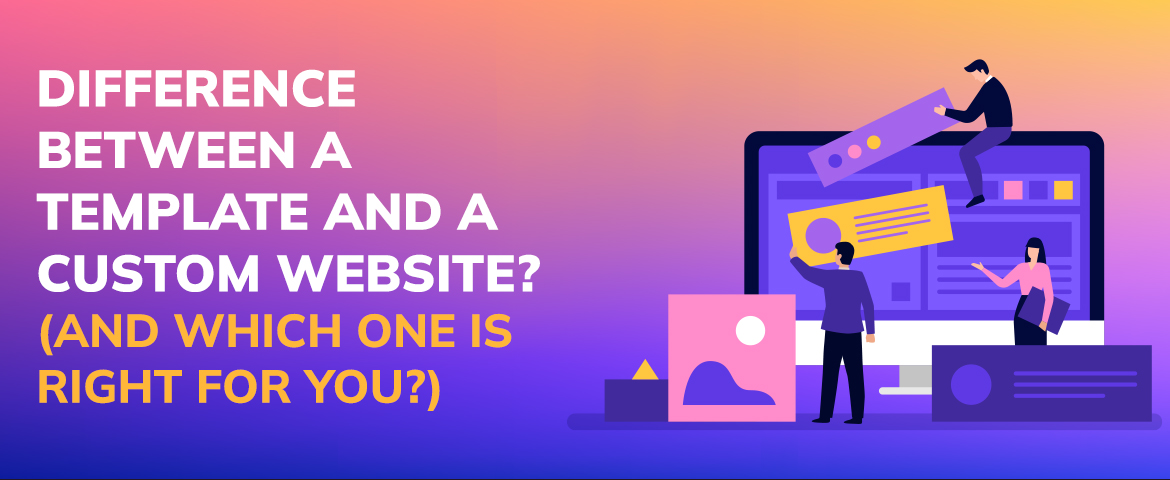
Difference Between a Template and a Custom Website? (And Which One Is Right for You?)
In today’s digital-first world having a well designed website is more important than ever. But when it’s time to build or revamp your site a common question arises: Should you use a website template or invest in a custom design?
If you’re not a tech expert it can be hard to know the difference – or which is best for you. In this guide we’ll break it all down in plain language so you can make a confident decision.
What is a Website Template?
A website template is a pre-designed layout that you can fill with your own content, images and branding. Templates are used with popular website builders like:
- Wix
- Squarespace
- WordPress (with themes)
- Shopify
These templates come with built in functionality and are often drag-and-drop friendly so you don’t need to know how to code to make changes.
Pros of Website Templates
- Cheap: Most are low cost or free.
- Fast setup: Get online quickly.
- No technical skills required: Easy for beginners.
- Modern designs: Many are beautifully designed and responsive (mobile friendly).
Cons of Website Templates
- Limited customization: You can only do what the template allows.
- Not unique: Others will have the same template.
- Performance issues: Some templates have bloated code or slow loading features.
- Scaling limits: If your business grows you’ll outgrow the template.
What Is a Custom Website?
A custom website is built from scratch to fit your exact needs. It’s usually designed by a professional web designer or developer (or a team), often on platforms like WordPress, Webflow or fully coded in HTML/CSS/JS.
Every part of a custom site—from layout to functionality—is built with your audience, brand and business goals in mind.
Pros of a Custom Website
- Your brand: Unique design to match your identity.
- Scalable: Built to grow with you.
- Faster performance: Cleaner code, faster load times.
- Better UX: Designed for how your users interact.
- SEO benefits: Easier to optimize for search engines from the ground up.
Cons of a Custom Website
- More expensive: Bigger upfront investment.
- Takes longer: Custom sites can take weeks or months to complete.
- Professional help required: You’ll need a designer, developer or agency.
Template vs. Custom
Choosing between a template and a custom website comes down to your goals, budget and timeline. Let’s go through some questions to help you decide.
1. What’s Your Budget?
- Template: If you’re a startup, freelancer or small business looking to save costs.
- Custom: Worth it if you have a budget set aside for long term growth and want to stand out.
2. How Quick Do You Need It?
- Template: For a quick online presence, like for an event or portfolio.
- Custom: If you have time to invest.
3. How Complex Are Your Needs?
- Template: For basic sites (brochure-style, blog, simple store).
- Custom: For more complex features (membership systems, advanced filters, custom checkout flows).
4. How Important Is Branding To You?
- Template: Some flexibility, but still limited.
- Custom: Everything from typography to micro-interactions can be branded.
5. Will You Grow or Scale?
- Template: May work now, but will become limiting.
- Custom: Built for growth.
Real-World Scenarios
Scenario 1: Solo Entrepreneur
You’re launching a personal brand or side hustle. You need something fast, cheap and professional looking. A good template on Squarespace or WordPress will do.
Scenario 2: Small Business
Your business is growing and you want to stand out in a crowded market. A custom website will help you tell your story, connect with your audience and build credibility.
Scenario 3: E-Commerce Brand
You’re running an online store with unique needs (custom product filtering, user accounts etc). You’ll likely need a custom Shopify setup or a fully custom WooCommerce site.
Scenario 4: Non-Profit or Organisation
You have specific content needs (events, donations, volunteer sign ups). A custom site will give you more control and better UX for your visitors.
Hidden Costs to Consider
Even with a template, there are other costs to think about:
- Domain & hosting
- Plugins or premium features
- Ongoing maintenance
- Design tweaks (even with templates, you may hire help)
And for custom sites:
- Maintenance contracts
- Additional features down the road
- Developer support
Make sure you factor in not just the upfront cost but the long term investment too.
A Hybrid Approach?
Sometimes the best solution is in between. You might:
- Start with a template and customize it heavily with a designer’s help.
- Use a custom homepage but keep inner pages templated to save costs.
- Build a custom site using a framework like WordPress, which balances flexibility with manageability.
Why Invest in Your Website
Your website is your first impression. Here’s why investing time or money in the right solution matters:
- Credibility: A professional site builds trust.
- Visibility: Well built sites perform better in search engines.
- Engagement: A good experience keeps visitors coming back.
- Business goals: Whether that’s leads, sales or awareness, your site can drive growth.
- Time: Automation and thoughtful UX design saves time on support or manual tasks.
When to Re-evaluate Your Website Choice
Even if you’ve already launched your site, you should check in regularly:
- Has your traffic grown significantly?
- Are customers struggling to find information?
- Is the site loading too slow?
- Have you added more offerings than your site can support?
- Are competitors leaving you behind in online experience?
If you answered yes to any of the above, it might be time to upgrade from a template—or rework your custom site for better performance.
Mistakes You Should Look Out For
A lot of people miss the difference in details between a template and custom website. Here are common mistakes:
- Not thinking ahead: No consideration of scale while selecting a template.
- Too much customization on templates: which can be very costly and beat the purpose of using one.
- Compatibility: It’s a common theme for templates to look perfectly on a PC but horrible in phones.
- Hiring the Wrong Help: Not Every Designer/Developer is Great at What They Do, Make Sure to Properly Review Their Portfolio.
Steering clear of these will save you time, money and stress.
Important Questions To Ask Yourself
Before you make a decision, ask yourself or your team:
- This website is designed for what purposes?
- Who is my target market?
- What features do I have?
- Do I have time or budget limitations?
- How often will I update the site?
These questions will help you understand if a template or custom is right for you.
Design Trends That May Impact Your Decision
Staying current with web design trends will help you decide:
- Minimalist interfaces: Easier to replicate with templates.
- Bold typography and visuals: Often better done in custom designs.
- Dark mode support: Some templates lack this flexibility.
- Interactive elements (animations, microinteractions): More feasible with custom development.
- Accessibility compliance: Easier to address in a custom project.
If being modern is key, you may want to go custom—or make sure your template can handle future updates.
SEO Considerations for Each Approach
Whether you’re using a template or going custom, SEO should be built into your site structure:
Design Trends That May Impact Your Decision
- No control over metadata or header tags.
- Rely on third-party plugins for optimization.
- Can still rank well if content and structure are solid.
Custom websites:
- Technical SEO from the ground up.
- Easier to implement schema, speed improvements and structured navigation.
- Supports unique content strategies better.
If SEO is part of your growth strategy, custom is the better long-term play.
Maintenance & Updates: What to Expect
No matter what you choose, your site will need to be updated. Consider:
Templates:
- Easier to update with platform support.
- Paid updates for themes or plugins.
- Limited to the platform’s release schedule.
Custom websites:
- Updates need to be done by your team or contractor.
- Full control but more responsibility.
- Regular maintenance can improve security and performance.
Plan ahead for who will manage your site post-launch to avoid future headaches.
Hosting Considerations
Where your site lives online matters for performance, security and flexibility:
Templates:
- Come with built-in hosting (e.g. Wix, Squarespace).
- Limited control over server performance or configuration.
- Less responsibility for updates and security.
Custom websites:
- You choose your host (e.g. SiteGround, WP Engine).
- More control over speed, backups and technical settings.
- Can scale and grow more easily.
Choosing the right host can be just as important as the design itself.
User Support and Resources
How much help is available if you get stuck:
Templates:
- Usually have help centers, live chat and large communities.
- Easier for beginners because of guided workflows.
- Limited to the platform’s support scope.
Custom websites:
- Support depends on your developer or agency.
- Need a trusted partner for ongoing help.
- More personalized but potentially slower response times.
If you’re not tech savvy, support availability is a big deal.
Final Thoughts: Which Is Right for You?
There’s no one-size-fits-all answer—and that’s the beauty of web design today. You have options.
Go with a template if:
- You need something quick and cheap
- You don’t need advanced features
- You’re comfortable with some limitations
Go with a template if:
- You want a unique look and feel
- You have specific needs and goals
- You’re thinking long term and planning to grow
At the end of the day, the right choice is the one that aligns with your vision, audience and resources.
If you’re still unsure, start with a simple template and upgrade later—or talk to a designer who can help you weigh your options.
Your website is your digital home. Whether you rent it (template) or build it from the ground up (custom), make sure it represents you well.
Ready to Build a Website That Works as Hard as You Do?
Whether you’re starting a brand or growing an existing business, HelloPixels is here to help. As the best web design company in Dubai and Abu Dhabi, we don’t just build websites—we build digital experiences that deliver.
Ranked as the #1 web design agency in Abu Dhabi and Dubai, we specialise in custom and conversion focused websites for your brand. From small businesses to enterprises, our team is trusted by companies who want more than just a pretty homepage.
Looking for reliability, creativity and results? Work with a top web design firm in Dubai who understands your market and speaks your language.
There are many web design companies in Dubai, but there’s only one HelloPixels. Let’s get your vision off the ground.
Get in touch today for a free consultation!

Immersive Web Experiences: AR, VR, and 3D Without the Bloat
In 2020, immersive web design meant loading 50MB of Three.js assets, crashing mobile browsers, and a
Core Web Vitals 2026: The New Performance Standard (And How to Pass)
The impact was immediate. Sites that passed CWV in February 2026 suddenly failed in March. Rankings
The Impact of Professional Website Design on UAE Businesses in 2025
Are you aware that an astonishing 95% of UAE buyers look up businesses over the internet prior to ma


